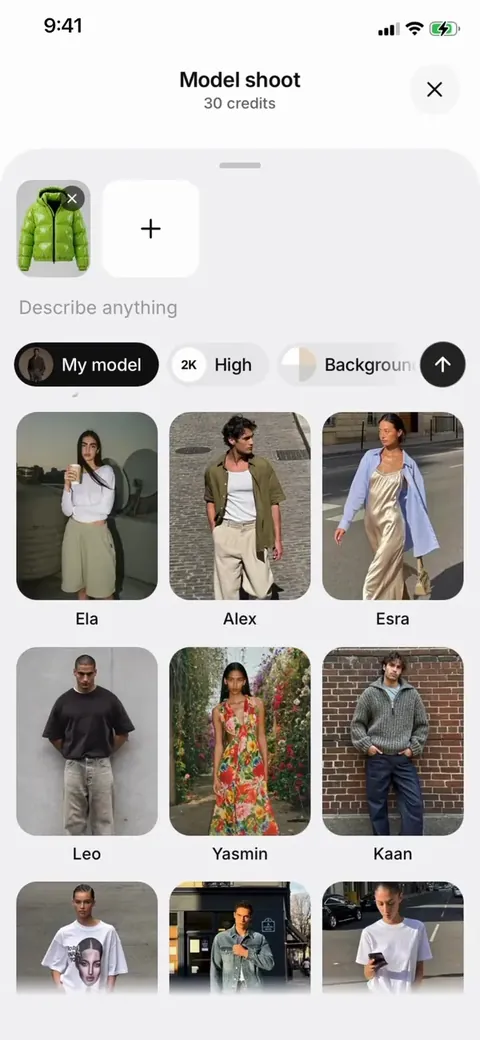
 Ela
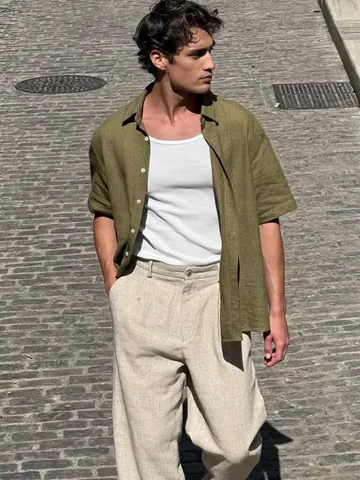 Alex
 Esra
 Leo
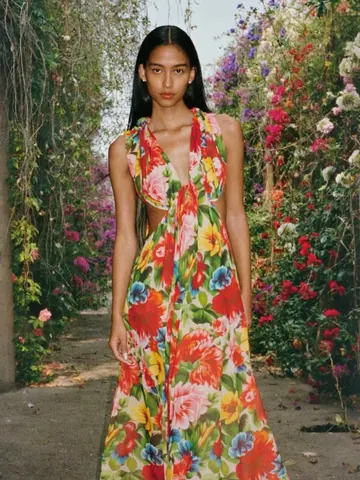 Yasmin
 Kaan
50+ ready models
Women and men with different looks, ages and styles. Pick one, and your product is on them in the next shot.
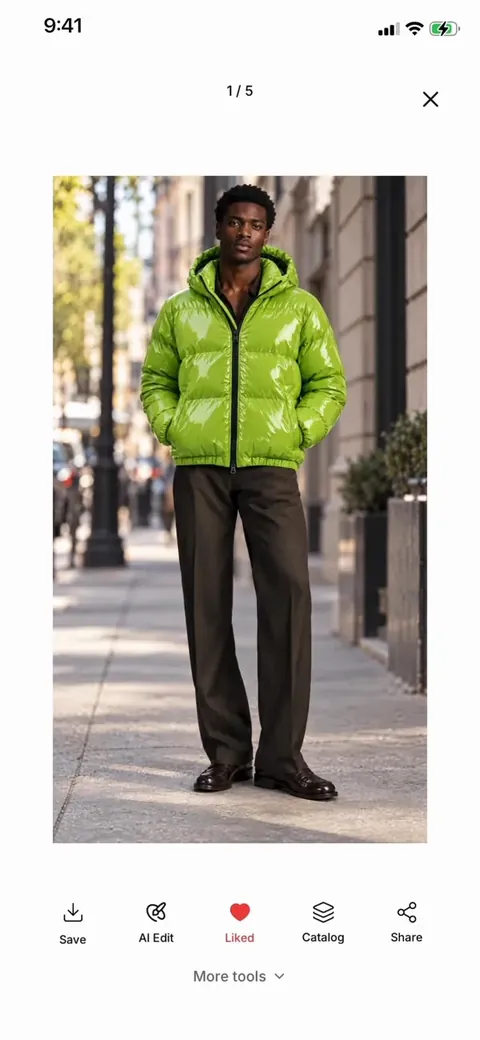
Take one photo of your clothing, on a hanger or laid flat. ModelPro puts it on a photorealistic model, in the studio or on location, as photos or video.
Free on iPhone, iPad and Android
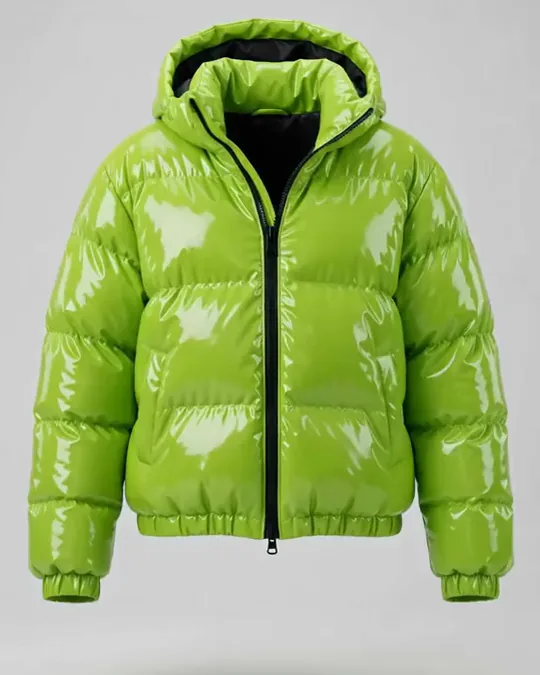
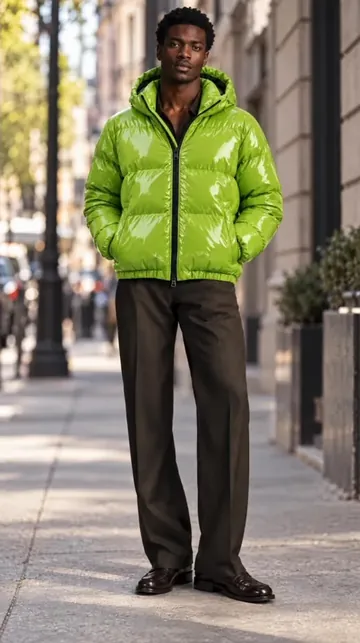
Shoot it on a hanger. Sell it on a model.
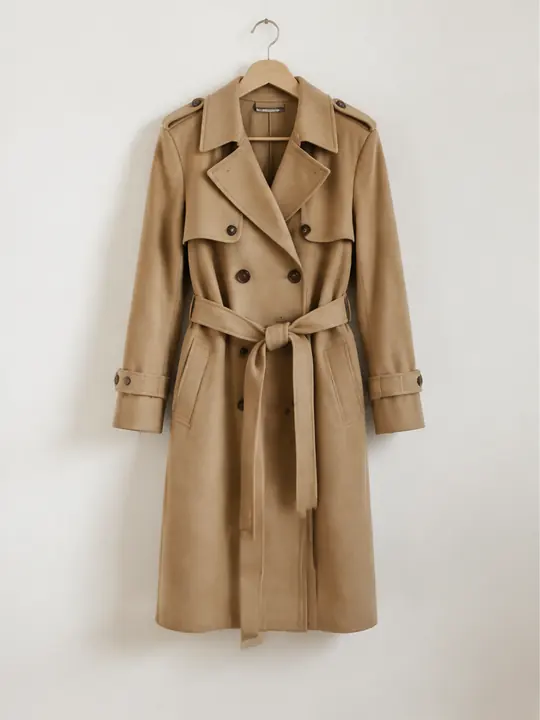 Product photo
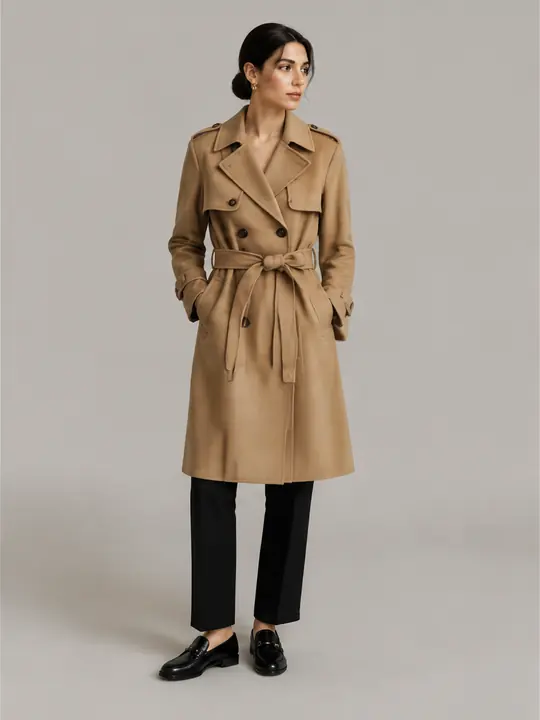
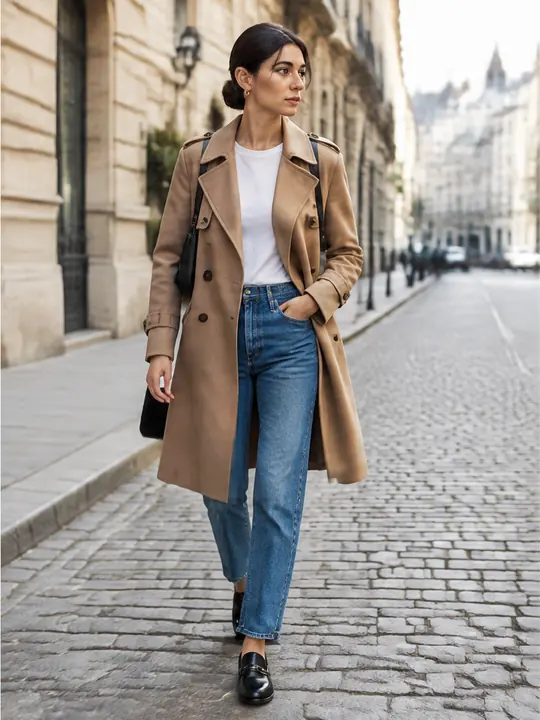

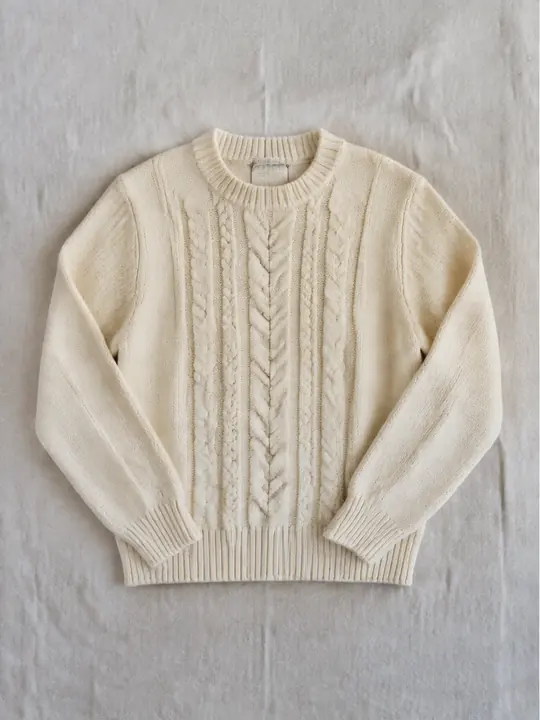 Product photo
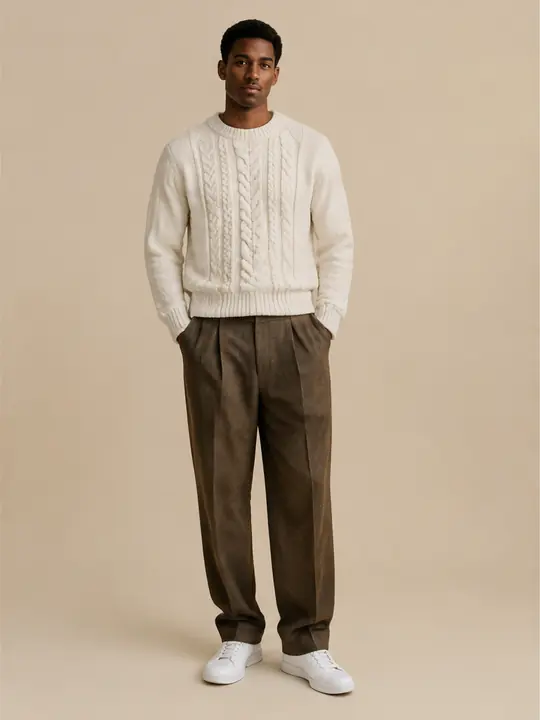


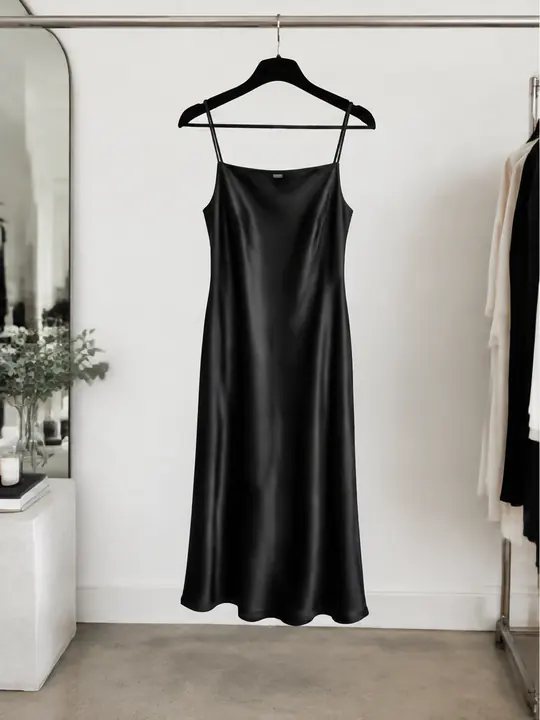 Product photo
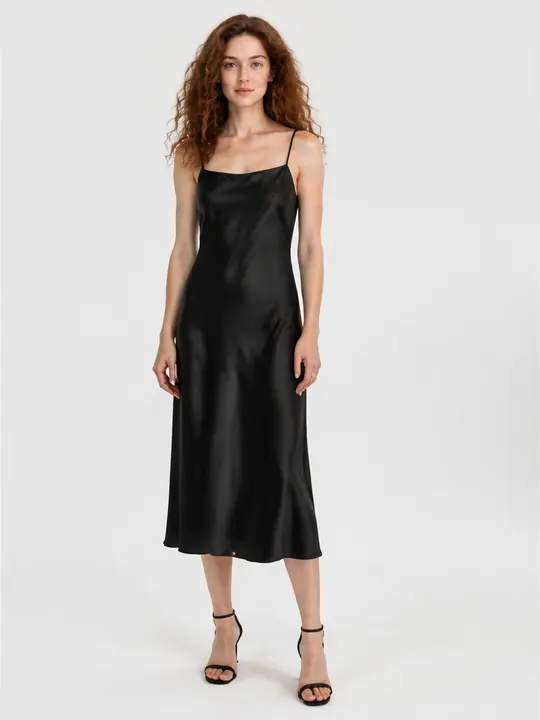
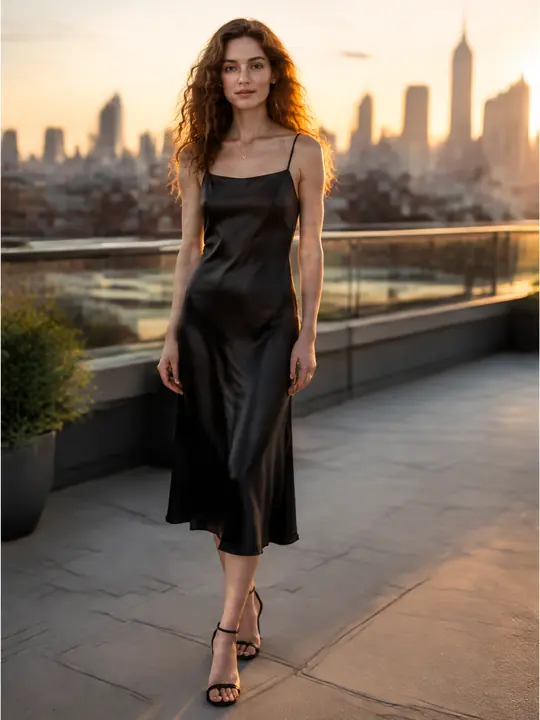
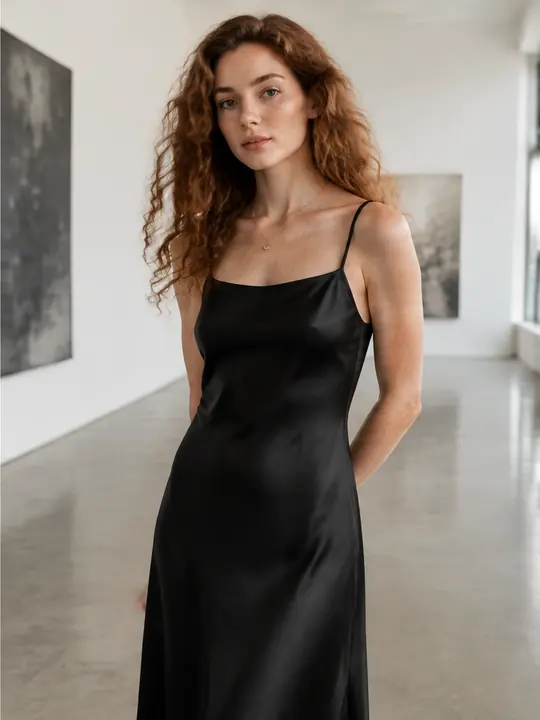
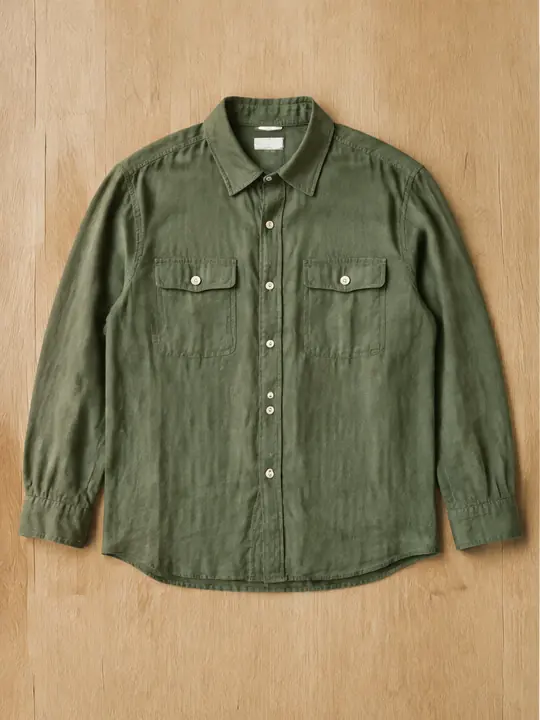 Product photo
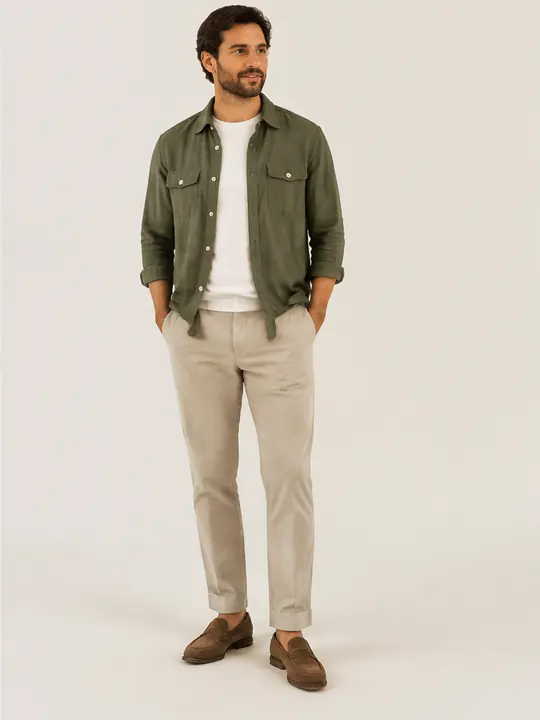
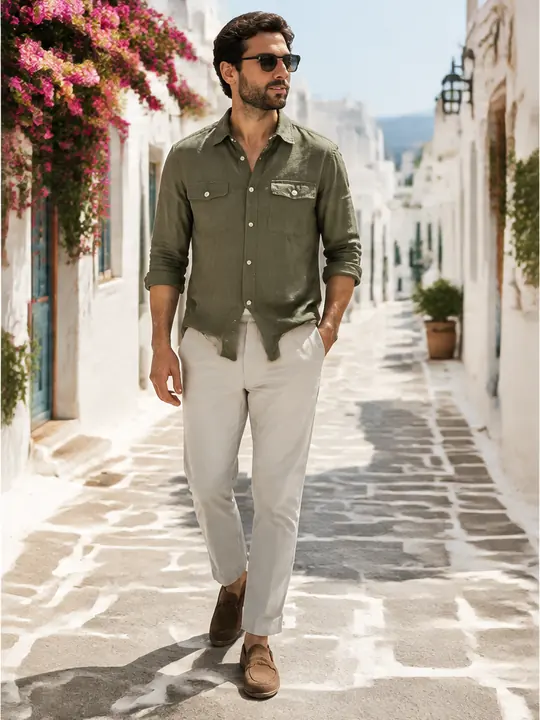

One product photo, a whole set of looks. Illustrative images.
Features
Everything a fashion shoot needs, from models and sets to motion and retouching, in one app.
ElaAlexEsraLeoYasminKaanWomen and men with different looks, ages and styles. Pick one, and your product is on them in the next shot.
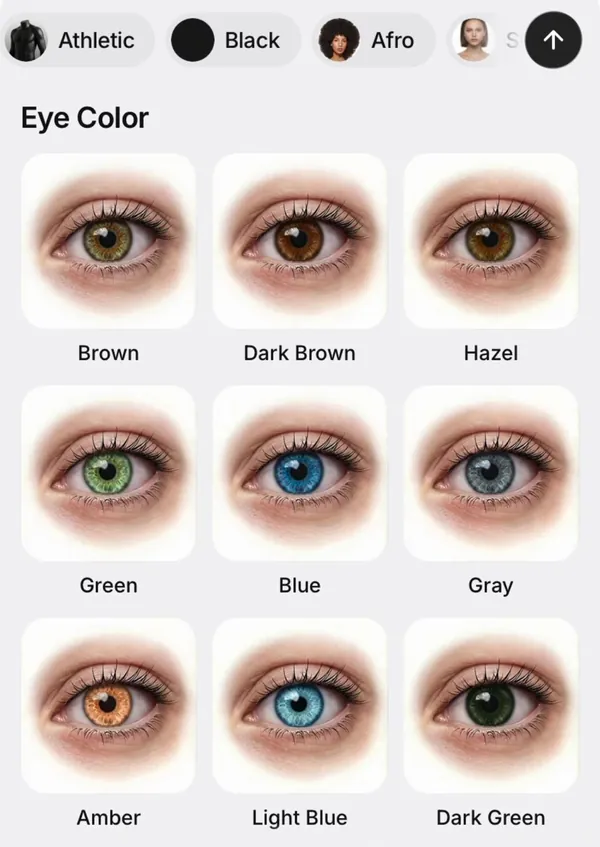
Design your own model trait by trait, from skin tone and hair to eyes and body type, or describe them in one sentence. Then use them in every shoot.
 Street
 Café
 Hotel
 Beach
11 studio colors and 13 locations, from city streets and cafés to hotels, galleries and beaches.
No studio, no photographer, no model booking. Photograph the piece as it is, and ModelPro dresses it on a model with a natural pose, real light and a backdrop that suits your brand.
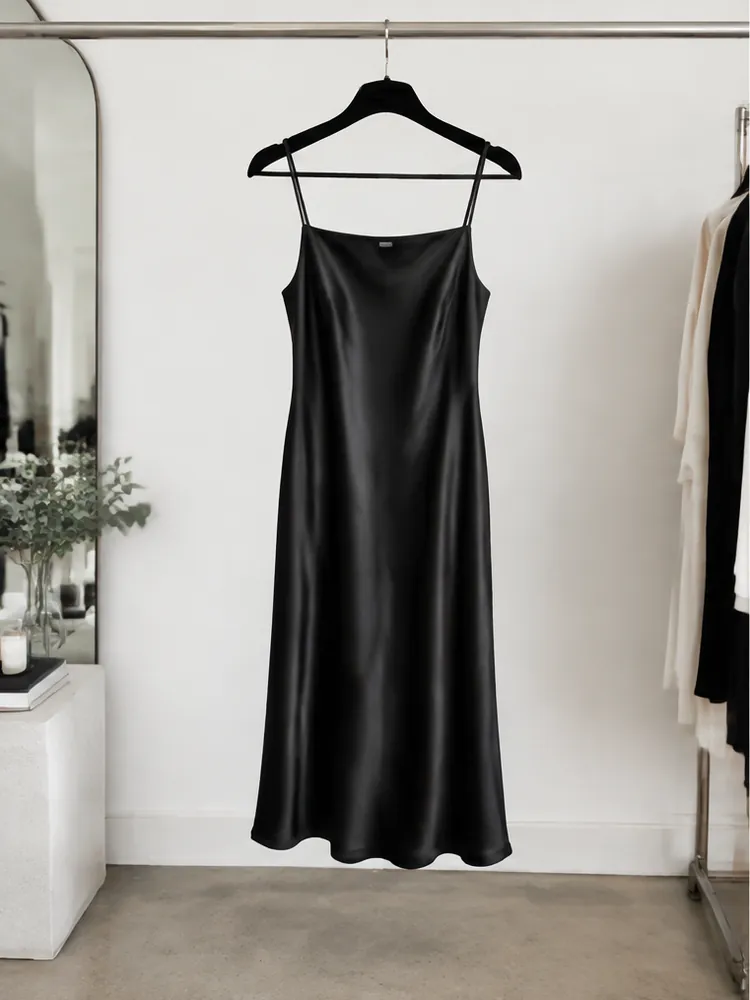
Video
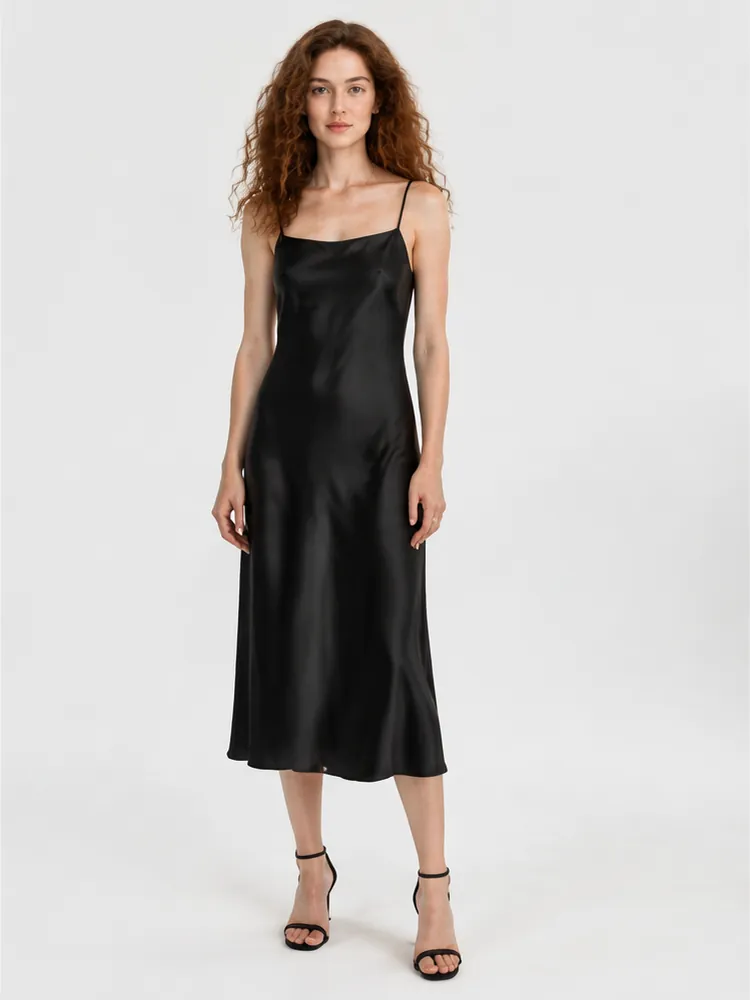
Turn a shot into a short clip with a walk, a spin, a mirror check or a power stance, ready for Reels, TikTok and your product page.
Pick a move and your model walks, turns or strikes a pose in a vertical clip made for social.
Add a front and a back photo and get a smooth turntable video of the piece.
Tools
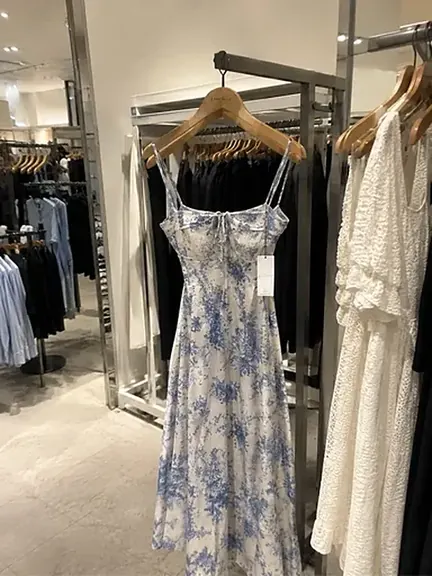
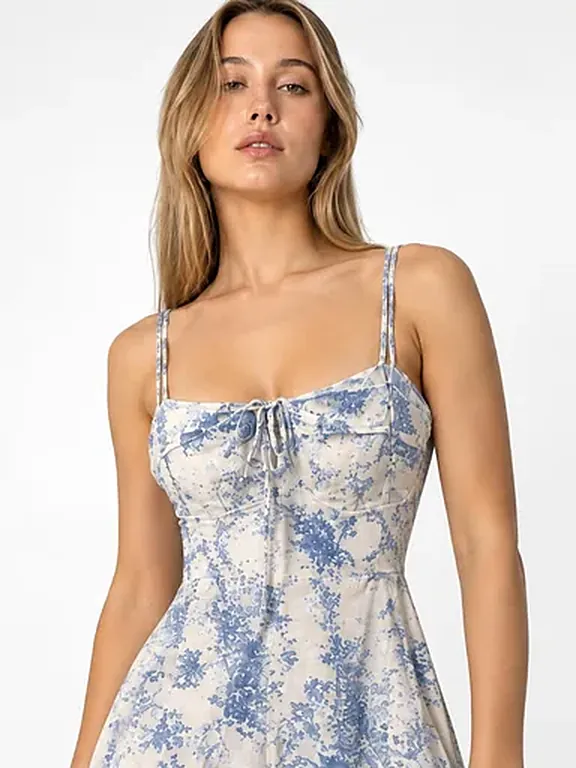
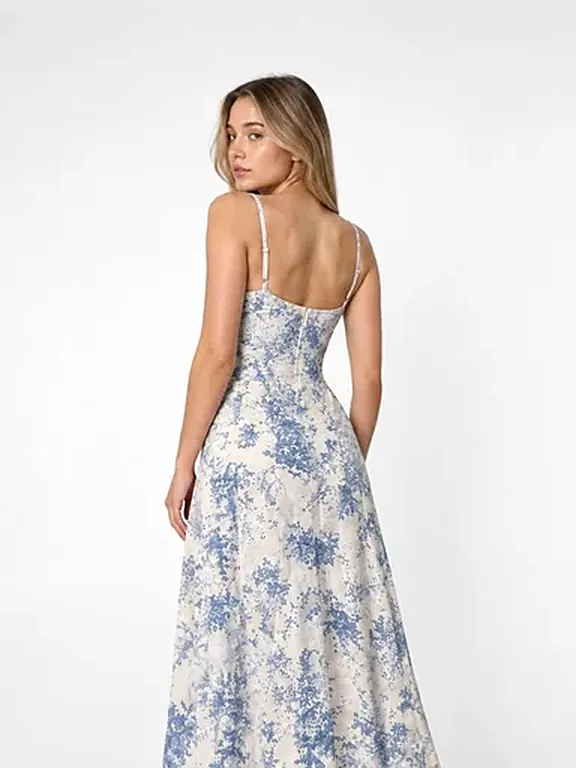
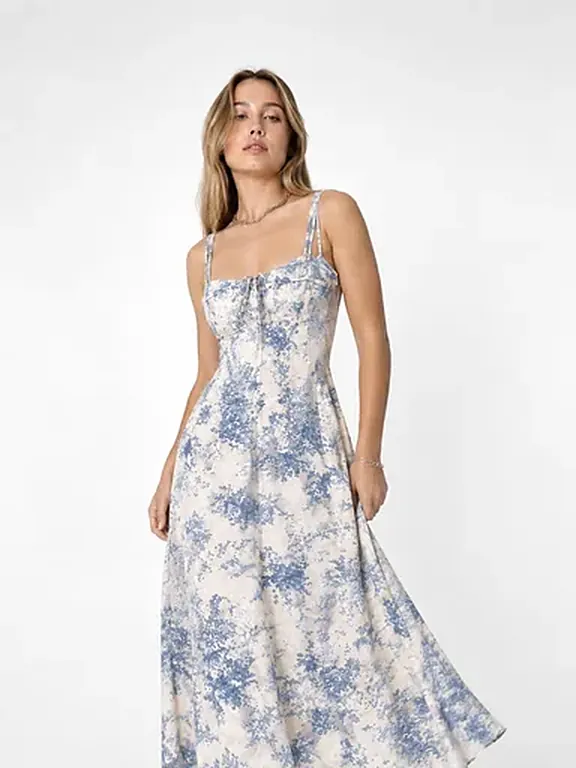
Get a matching set for your product page: front, back, detail and editorial shots of the same piece.
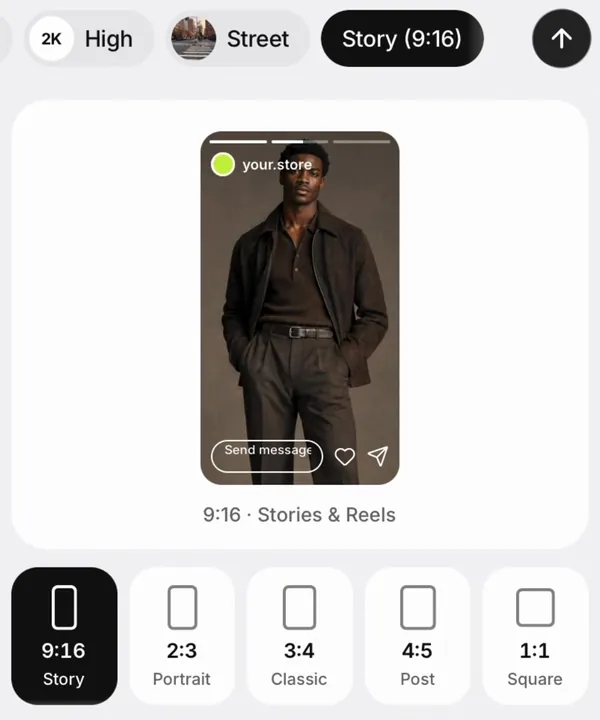
Preview a shot as a Story, Reel or feed post, and export it in the right format for every platform.
Go fast in HD for social posts, or choose 2K, 4K and Max for detail you can print.
Change a product’s color, add a close-up, adjust the pose or camera angle, swap the background and more. Every edit stays in your Projects.


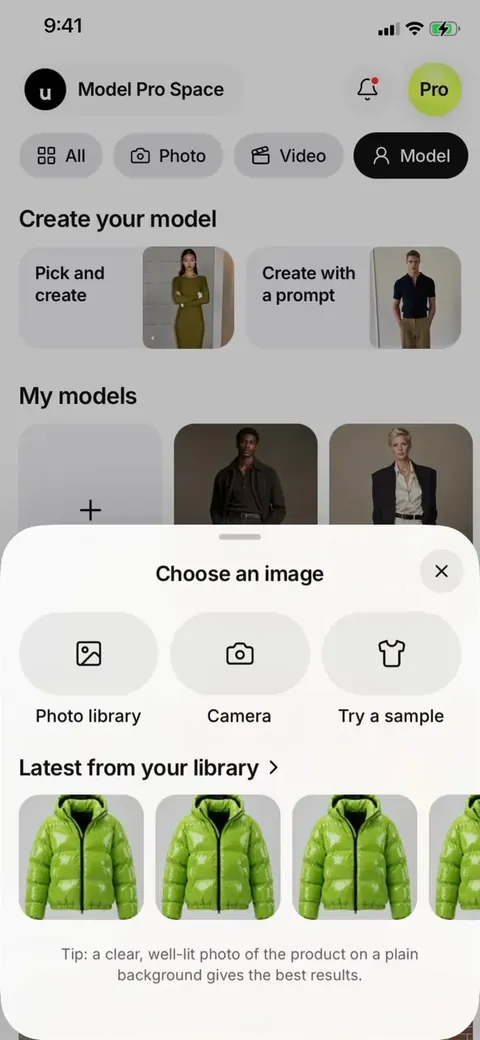
How it works
Choose a photo from your library or shoot it with your camera. A clear, well-lit photo on a plain background gives the best results.
Choose one of 50+ ready models or a model you designed. Then pick a studio backdrop or a location, the quality and the format.
Your shots land in Projects, ready to save and share. Turn any of them into a catalog set or a product video.
Who it’s for
Fill every product page with consistent model shots, without booking a shoot for each new drop.
Post fresh looks every day, already sized for Stories, Reels and the feed.
Stand out in busy listings with clean studio photos and on-model shots.
Show a new collection on models before you have the budget for a campaign.
A shoot day takes a studio, a team and days of edits. ModelPro takes one product photo.
FAQ
Something else on your mind? Write to modelproapp@gmail.com or visit Support.
ModelPro is an AI photo studio app for fashion sellers, on iPhone, iPad and Android. Upload one photo of a clothing item, on a hanger or laid flat, and ModelPro puts it on a photorealistic model in a studio or on location. It also makes catalog sets, short videos and 360° spins of the same piece.
A clear photo of the product on its own works best: on a hanger, a rail, a mannequin or laid flat on a plain surface, in good light. Please use product-only photos and don’t upload photos of people.
ModelPro is free to download, and new accounts get free credits to try it. After that you can pick a weekly or monthly plan, or top up with a one-time credit pack. Current prices are shown in the app.
iPhone and iPad with iOS 15.1 or later, and Android phones through Google Play.
Most photos are ready in under a minute. The highest quality settings and videos take a little longer, and the app lets you know when your results are ready.
Your creations are saved in Projects, and you can download them to use in your listings, website and social posts. Review every result before you publish it. Our Terms of Use have the details.
Before each generation, the app asks for your permission to send the inputs to our AI provider, FAL.ai. We don’t sell personal information. Read more in our Privacy Policy.
ModelPro is available in 30 languages, including English, Turkish, German, French, Spanish, Arabic and Japanese.
Subscriptions are managed by the store you bought them from. On iPhone, open Settings, tap your name, then Subscriptions. On Android, open Google Play, tap your profile, then Payments & subscriptions. Deleting the app does not cancel a subscription.
Download ModelPro free on iPhone, iPad and Android.



Scan to downloadPoint your phone camera here. We’ll open the right store for you.